

Claude Code memory
Does Claude Code remember my project between sessions?
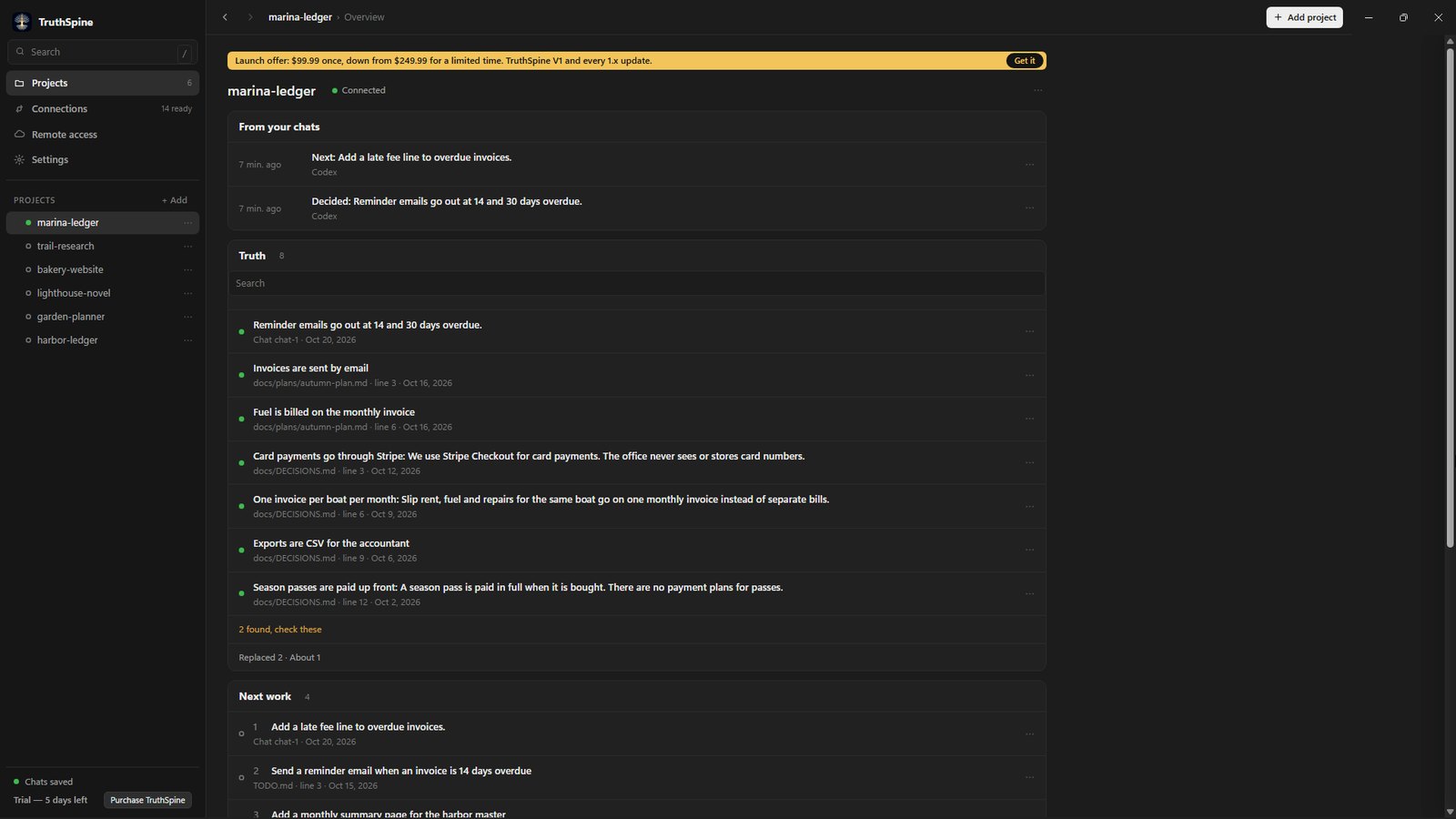
A new Claude Code session starts with an empty context. With TruthSpine connected, every new session checks your project before it answers, so you never re-explain it.
What is going on
CLAUDE.md helps only as far as someone keeps it up. After a busy week it describes last week's project.
What one session decided, finished or tried and dropped is gone when the next session starts.
Every Claude Code session picks up where the last one stopped
- It connects by itself
Press Connect on the Claude Code card in TruthSpine. It installs its plugin, and every new session in your project folder connects on its own.
- Each session saves its work
A connected session saves what it decided, did and left open, for the next session.
- Keep your CLAUDE.md
TruthSpine reads it with the rest of your project's files, and keeps the record of what each chat did for you.
Common questions
Do I have to type anything in each session?
No. Once Claude Code is connected, a new session in your project folder connects by itself.
Does it work in the Claude app's Code tab?
Yes, on Windows and Mac, and in a terminal on every platform.
Can another app carry on what Claude Code started?
Yes. Every connected app works from the same record, so Codex or Cursor can pick up where Claude Code stopped.
Does my project leave my computer?
No. Your project stays on your computer.