You lead the work. TruthSpine keeps the truth.
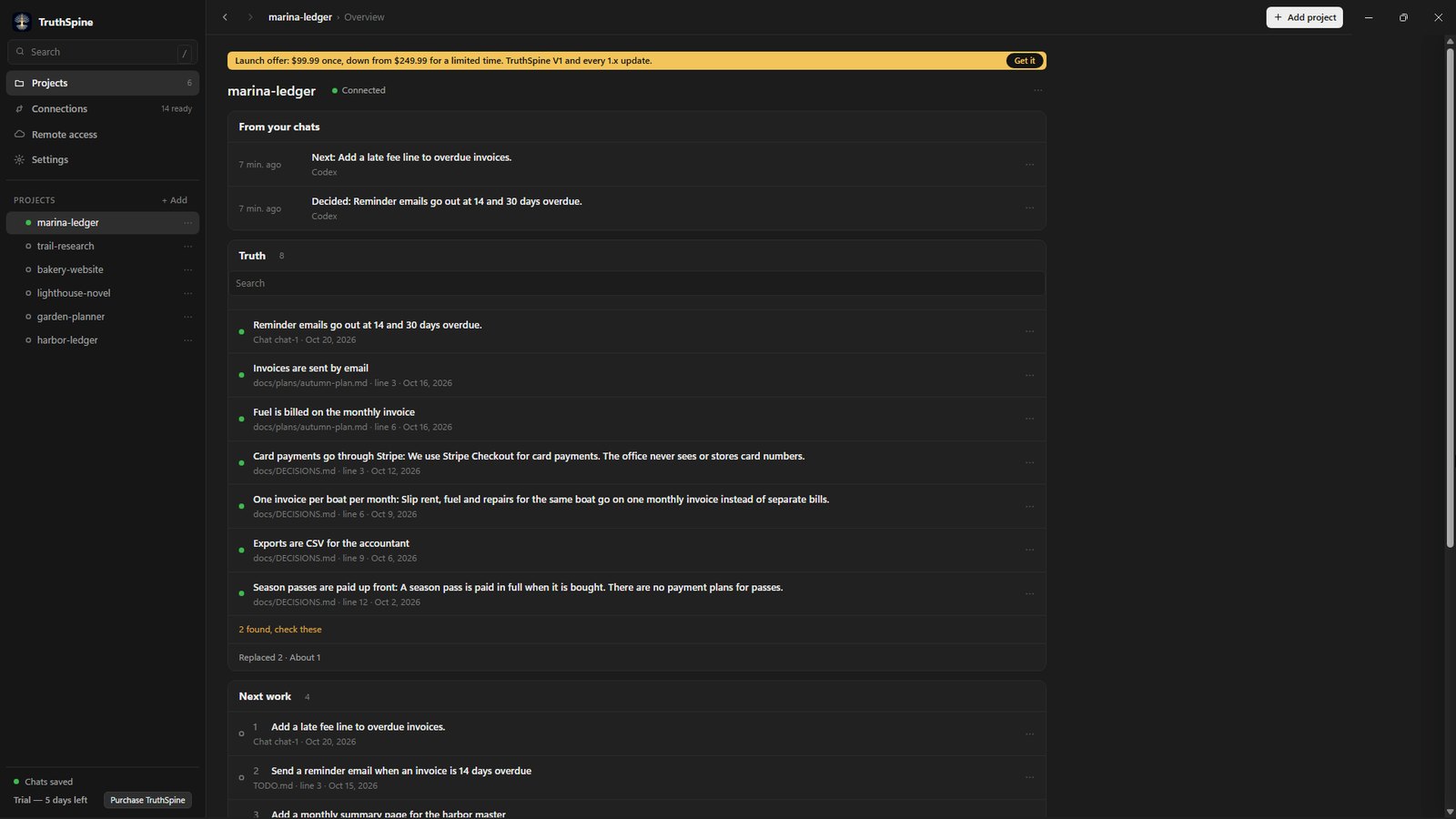
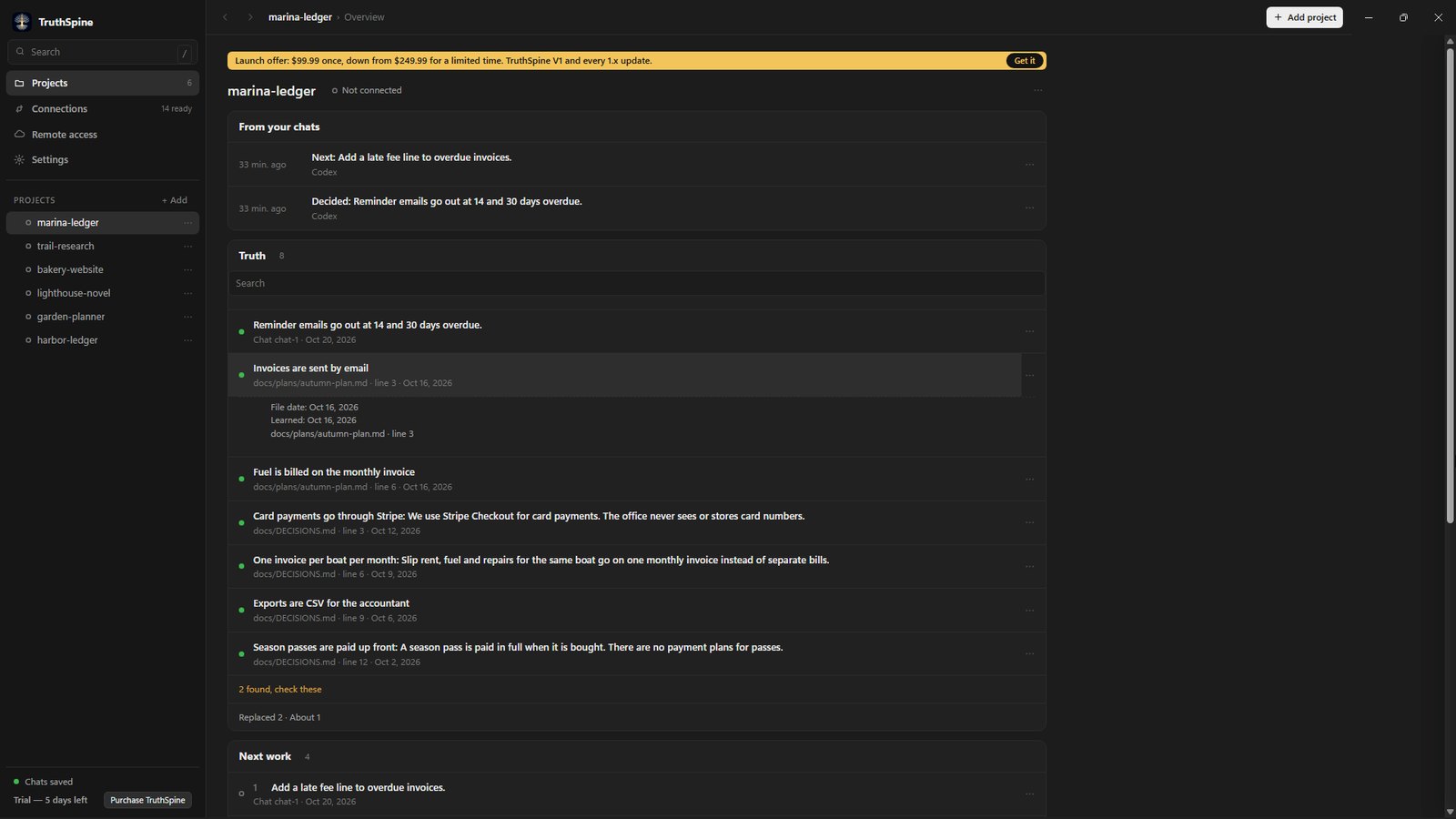
The keeper of your project. It learns your project from its files, follows every AI chat you connect, and keeps one checked record of what was decided, what was done, what failed and what comes next. It runs in the background, so you never keep the record up yourself.
You lead the work. TruthSpine keeps the truth.The keeper of your project. It learns your project from its files, follows every AI chat you connect, and keeps one checked record of what was decided, what was done, what failed and what comes next. It runs in the background, so you never keep the record up yourself.
Add a project.Pick a folder or a GitHub repository. TruthSpine learns it in the background and keeps up as it changes.
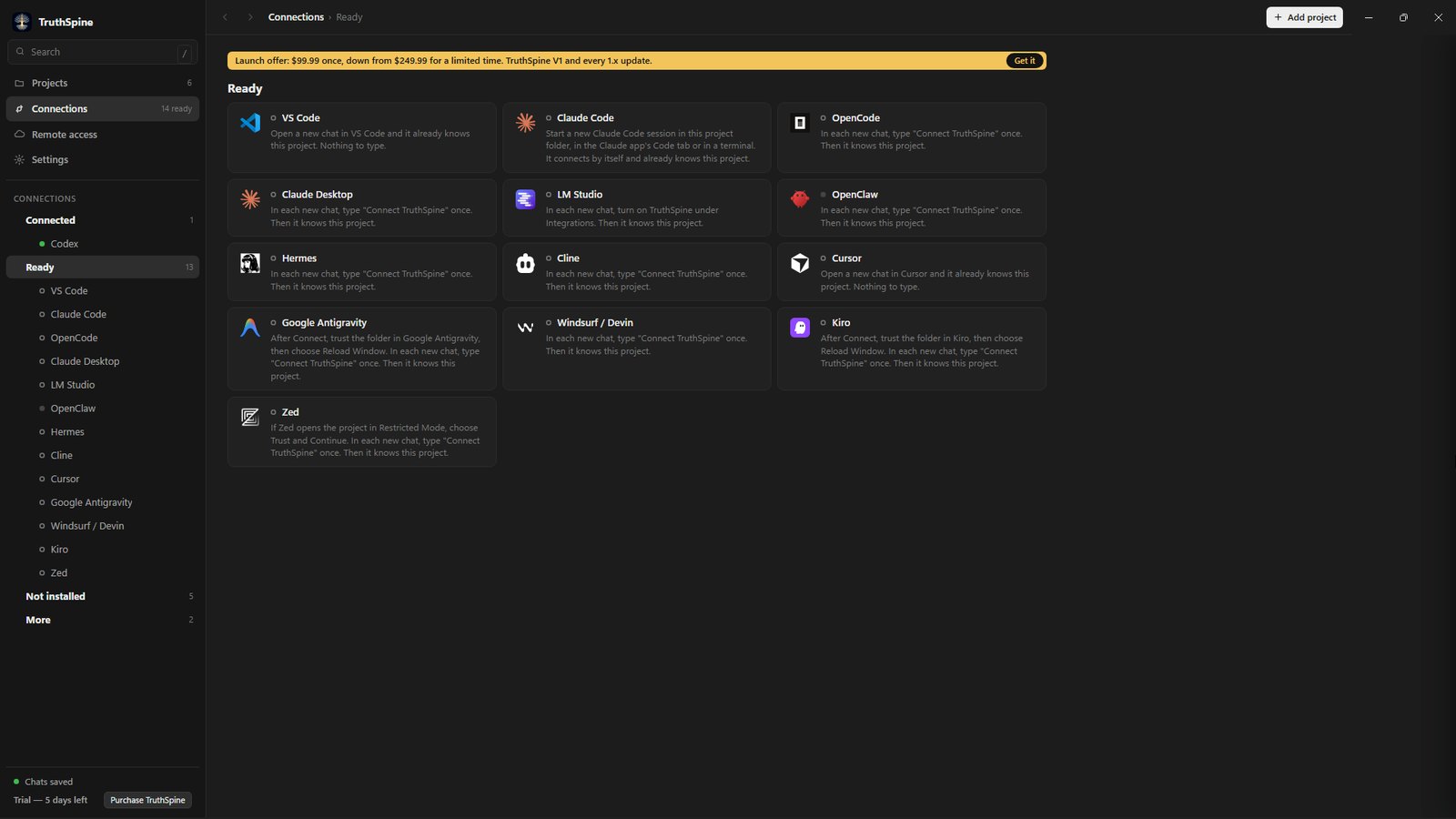
Connect the AI apps you use.Your AI apps show up in three lists: Connected, Ready and Not installed. Press Connect once, and TruthSpine sets it up for you.
Every connected chat checks your project before it answers, so you never re-explain it.Open a chat in a connected app and say what you want next. Before it answers, it checks the decisions, the work, what failed and what comes next.
Decide once. Every chat follows it.TruthSpine keeps your decisions, and every connected chat works from them.
Your project in ChatGPT, Claude, Meta Muse and Grok.Cloud agents know nothing about you. Remote access gives them a private connection to your project, set up in your own free Cloudflare account. You say what each one may do.
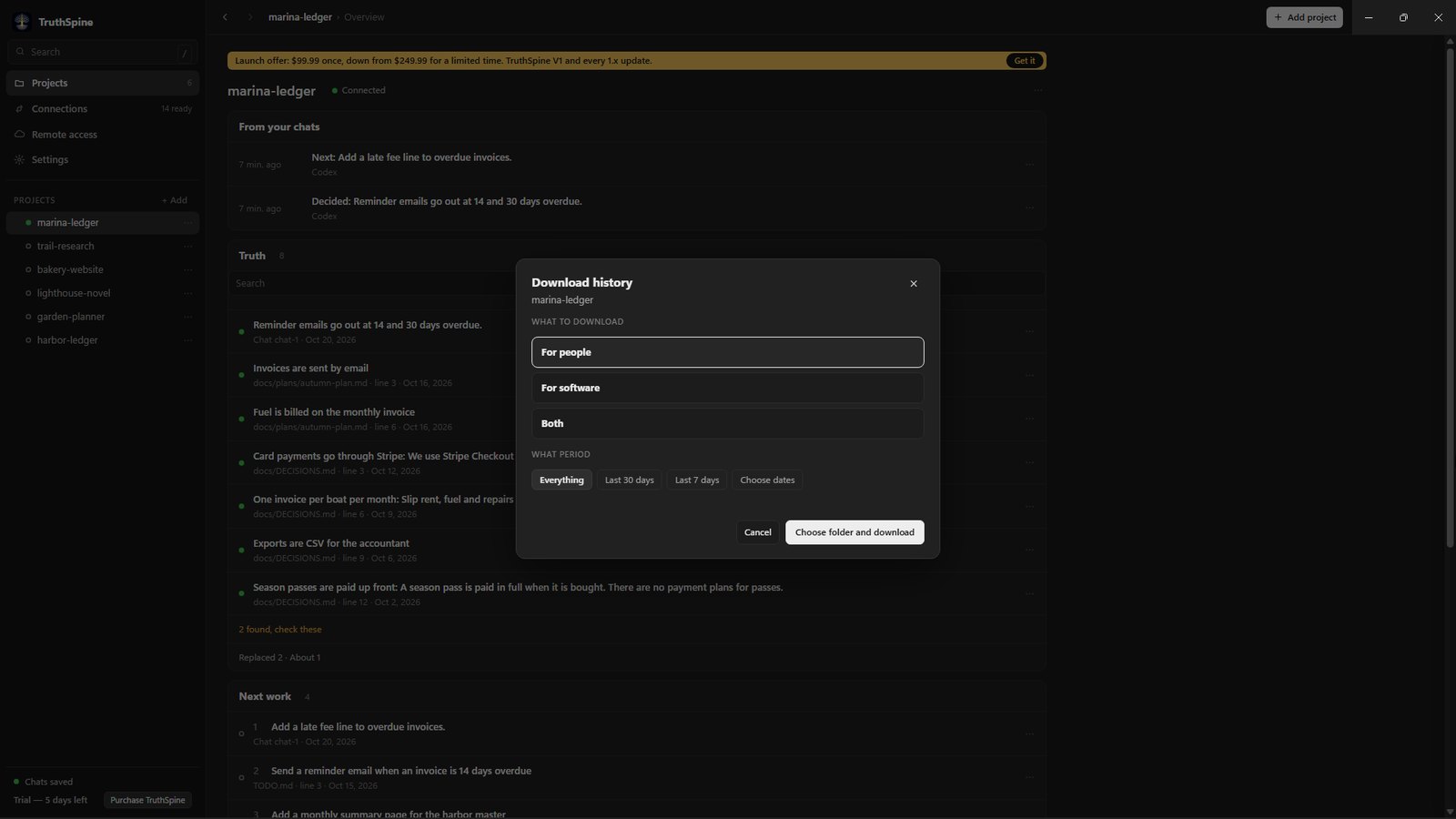
Download the full history any time.A readable report for people, or files for other software.
Your project stays on your computer.TruthSpine learns and keeps your project on your computer, and holds back passwords and keys. A cloud agent sees your project only if you connect one and say what it may do.
Get TruthSpine.Windows, Mac and Linux.


 Microsoft Store
 Mac App Store
 Linux
Linux