

GitHub Copilot memory
Why does GitHub Copilot forget my project when I start a new chat?
Each Copilot chat starts fresh. With TruthSpine connected, every new Copilot chat in VS Code checks your project before it answers, so you never re-explain it.
What is going on
A long Copilot chat fills up, and the new one knows nothing about the work before it.
An instructions file helps only as far as someone keeps it up, and it never says what the last chat did.
Every new Copilot chat checks your project first
- Connect once
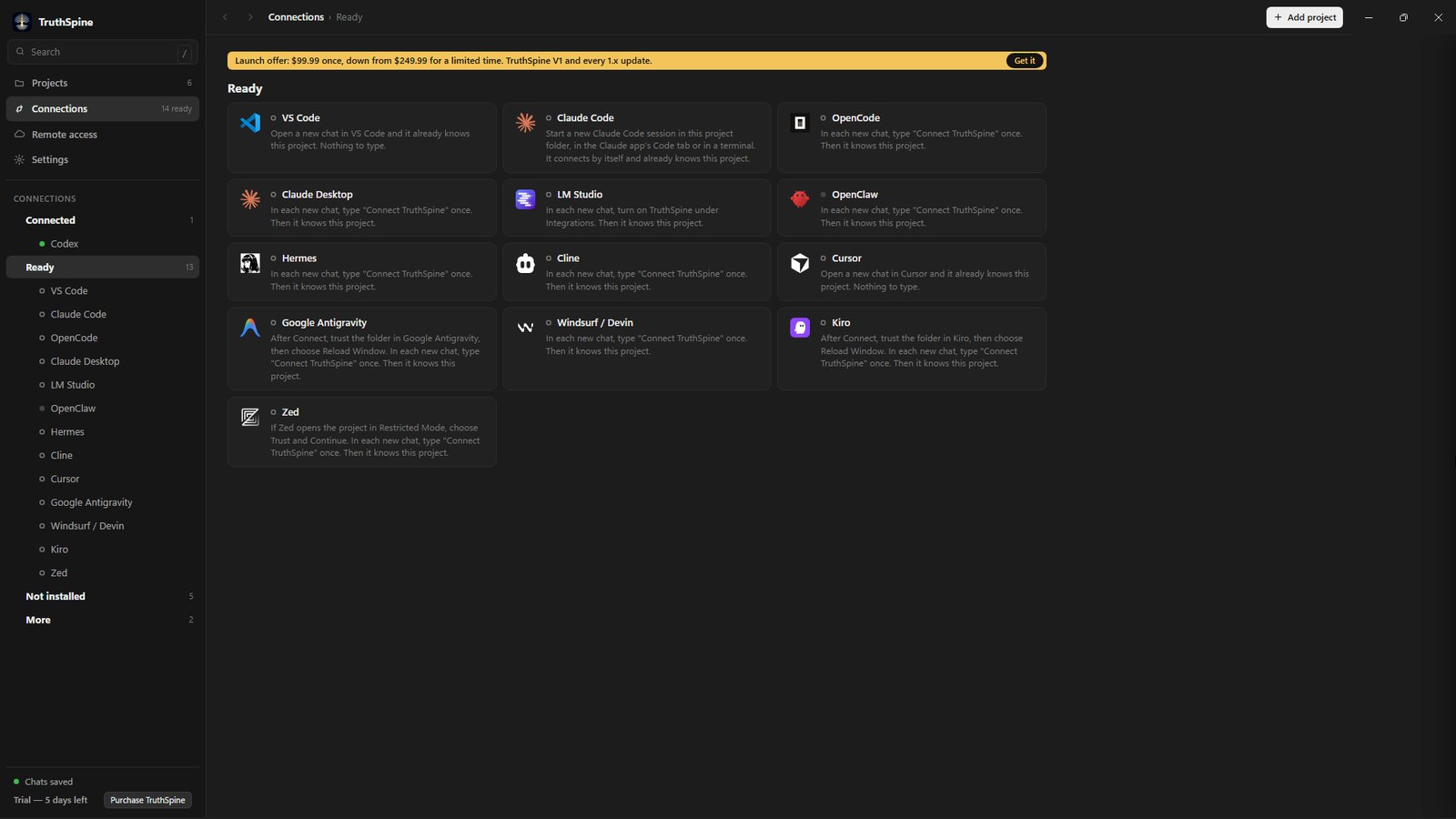
Press Connect on the VS Code card in TruthSpine. After that, open a new Copilot chat in VS Code. It checks your project before it answers.
- Each chat saves its work
A connected chat saves what it decided, did and left open, so the next chat starts from it.
- Decide once
A decision you make in one chat is there for every chat after it, in Copilot and in your other connected apps.
Common questions
Do I need a Copilot plan?
Chatting in VS Code needs GitHub Copilot, which has a free plan.
What about GitHub Copilot CLI?
It connects too. In each new Copilot CLI session, type "Connect TruthSpine" once. Then it checks your project before it answers.
Should I still keep a copilot-instructions.md file?
You can. TruthSpine reads it with the rest of your project's files, and keeps the record of what each chat did for you.
Does my project leave my computer?
No. Your project stays on your computer.