Every tool starts without your project context
Every agent workspace has its own context, setup, and chat history. Switching tools usually means starting the explanation again.
 TruthSpine
Use TruthSpine with supported AI chats, coding tools, and agent workspaces without rebuilding your project explanation or keeping the desktop window open.
Every agent workspace has its own context, setup, and chat history. Switching tools usually means starting the explanation again.
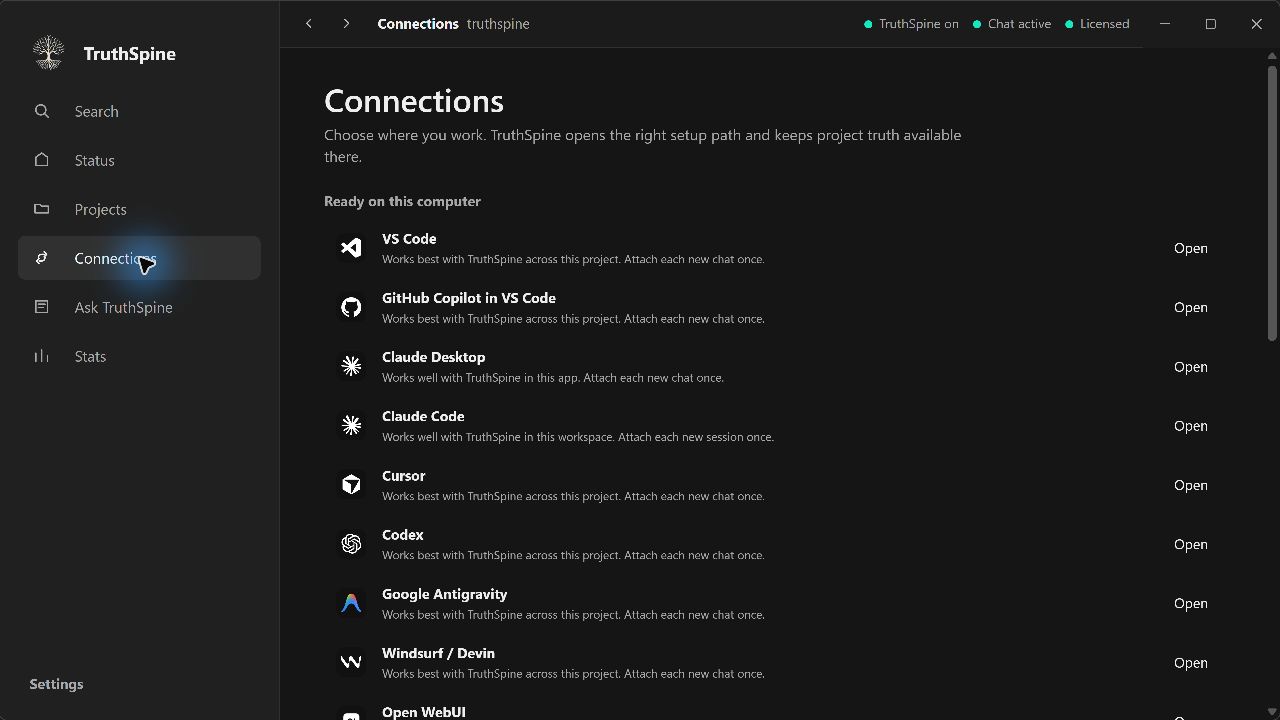
Choose the workspace you already use and TruthSpine guides the connection. Most workspaces start TruthSpine when they need project knowledge, so the desktop window does not need to stay open.
TruthSpine shows the supported workspaces available on your computer and opens the right connection path for each one. Web connections keep a small local service available in the background.
Install the protected TruthSpine app through Microsoft Store or Mac App Store, then connect the workspace you already use.