Code search cannot explain every project decision
Cursor can inspect code, but a fresh chat may not know which approach was rejected, what another agent completed, or which decision replaced an older one.
 TruthSpine
Keep the latest project decisions, completed work, evidence, and next steps available to connected Cursor chats.
Cursor can inspect code, but a fresh chat may not know which approach was rejected, what another agent completed, or which decision replaced an older one.
TruthSpine gives connected Cursor chats compact project context drawn from the project sources and accepted work you choose to preserve.
TruthSpine keeps each chat bound to its project so context from one repository is not silently used in another.
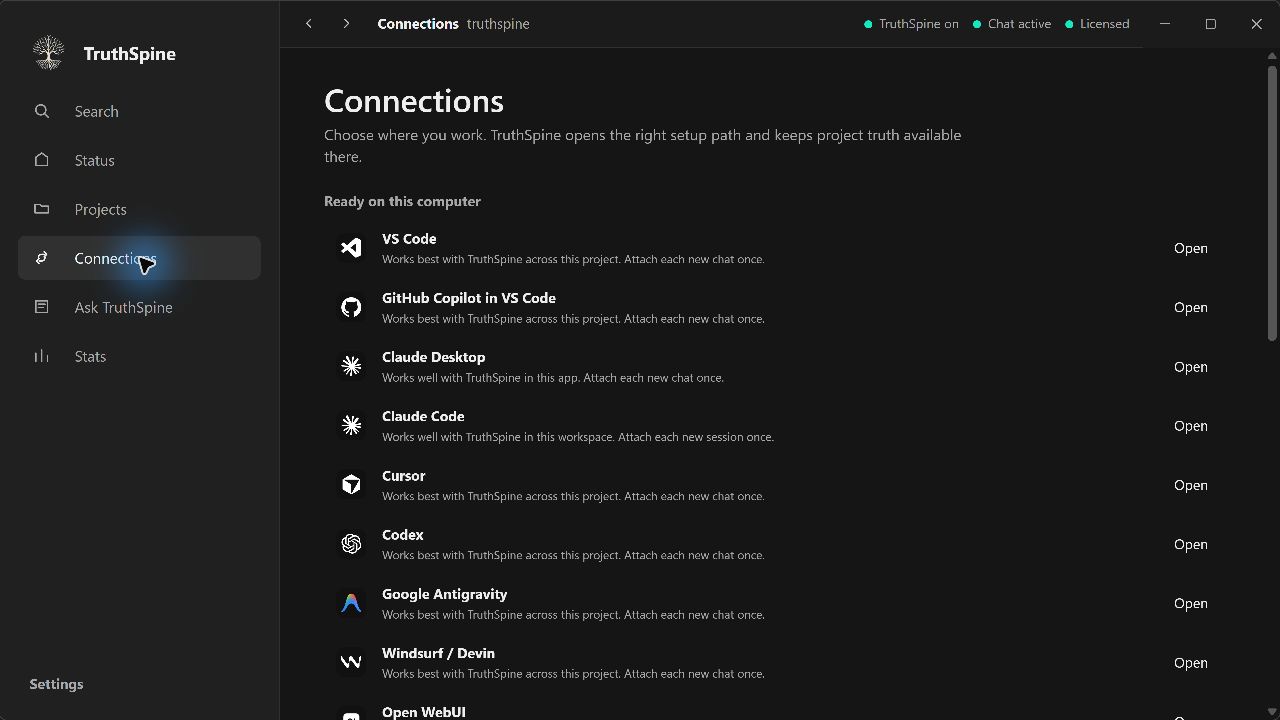
Install the protected TruthSpine app through Microsoft Store or Mac App Store, then connect the workspace you already use.